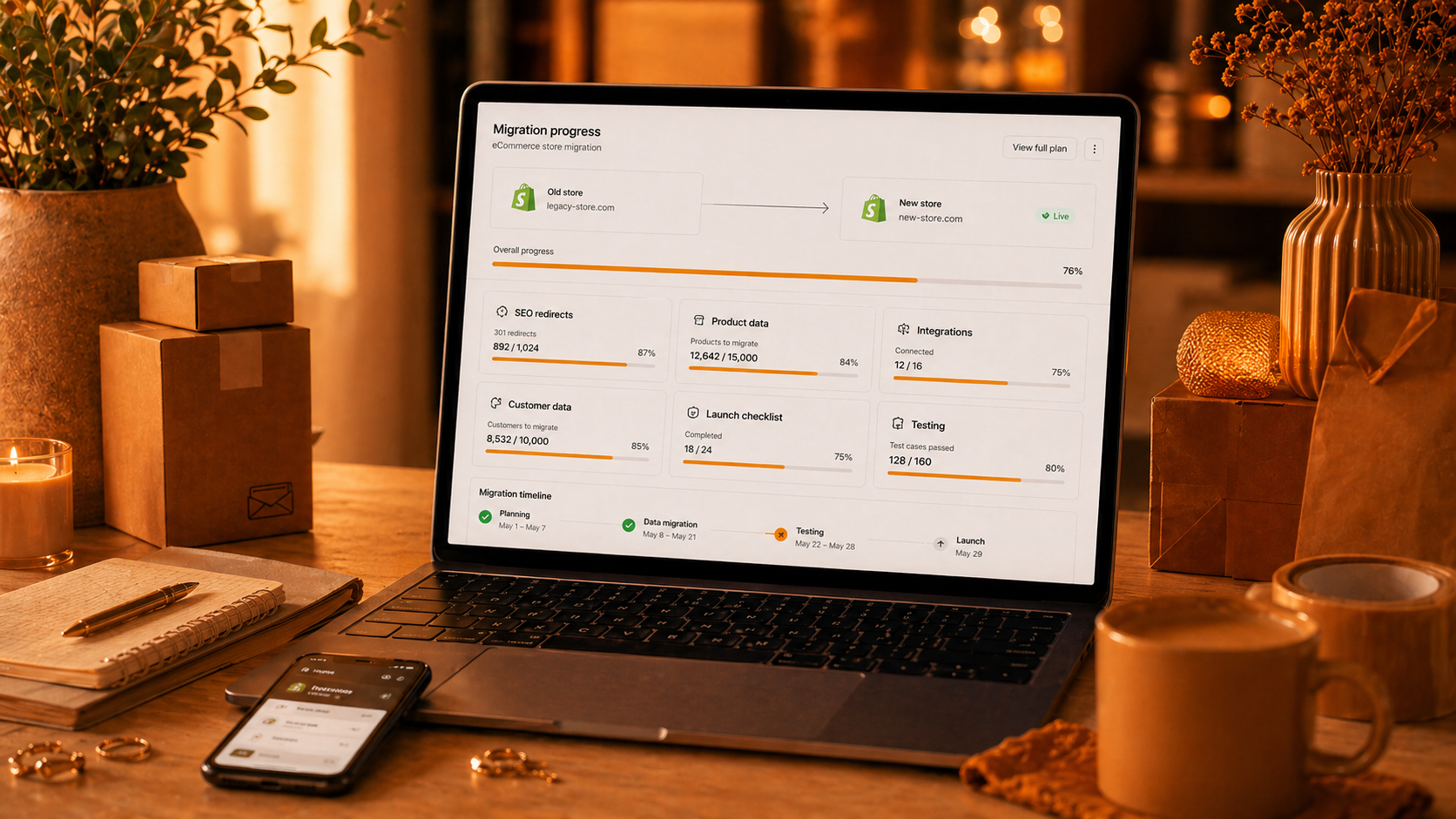

An eCommerce migration can unlock growth, but it can also create risk.
If the project is rushed, a store can lose rankings, break integrations, confuse customers, or damage checkout.
A good migration is not only a design project. It is a business continuity project.
The goal is to move forward without losing what already works.
Start With A Clear Reason
Do not migrate only because the current platform feels old.
Migrate because there is a clear business reason.
Good reasons include:
• The current store cannot scale
• Performance is poor
• Development is too slow
• Integrations are messy
• Checkout is limiting growth
• SEO structure needs improvement
• The business needs better B2B or multi-store features
When the reason is clear, decisions become easier.
It also helps the team avoid unnecessary features, delays, and scope changes.
Audit The Current Store
Before building anything new, review the current store carefully.
You need to know what must be protected.
Audit the most important parts first:
• Top organic landing pages
• Best-selling products
• Highest-value categories
• Current URL structure
• Existing redirects
• Customer data
• Order history
• Product attributes
• Payment methods
• Shipping methods
• Tracking and analytics
• Custom features
This audit helps avoid painful surprises later.
A migration should not accidentally remove pages, products, or features that already generate revenue.
Protect SEO From The Start
SEO should not be added at the end.
Migration can change URLs, metadata, page structure, internal links, speed, and content. All of these can affect rankings.
Plan the SEO work early.
Important SEO tasks include:
• URL mapping
• 301 redirects
• Canonical tags
• Metadata migration
• Category copy
• Product descriptions
• XML sitemap
• Robots.txt
• Structured data
• Internal links
• Search Console checks after launch
Every important old URL should have a clear new destination.
If a high-traffic page disappears or redirects to the wrong place, organic traffic can drop quickly.
Clean Product Data
Migration is a good time to improve product data.
But do not change everything at once without control.
Review:
• Product names
• Product descriptions
• Product attributes
• Images
• Categories
• SKUs
• Prices
• Stock
• SEO fields
Clean data helps search, filters, feeds, and customer decisions.
For large catalogs, create clear rules before editing. Consistency matters more than random improvements.
Good product data also makes the new store easier to manage after launch.
Map Integrations
Most eCommerce stores depend on several connected systems.
Your store may connect to:
• Payment providers
• Shipping carriers
• ERP
• CRM
• Email marketing tools
• Analytics
• Marketplaces
• Support tools
• Product feeds
• Inventory systems
Each integration must be mapped and tested.
Ask clear questions:
• What data moves between systems?
• Which system is the source of truth?
• How often does data sync?
• What happens if sync fails?
• Who receives alerts?
Integrations can be the hidden risk in migration projects.
A store can look fine on the front end but still fail if orders, inventory, or payments do not sync correctly.
Test Checkout Deeply
Checkout testing should be serious.
Do not only test the happy path.
Test different:
• Devices
• Browsers
• Customer types
• Payment methods
• Shipping methods
• Discount codes
• Tax rules
• Order emails
• Address formats
• Currencies, if relevant
Also test problem cases:
• Failed payments
• Out-of-stock items
• Invalid addresses
• Coupon errors
• Payment delays
• Mobile checkout issues
Checkout is where revenue happens. It should be tested more than once.
Plan Launch Carefully
A migration launch should have a clear checklist.
Everyone should know what will happen, when it will happen, and who is responsible.
Launch checklist:
• Final data sync
• Redirects ready
• DNS plan
• Payment live mode checked
• Shipping live mode checked
• Analytics checked
• Sitemap ready
• Cache configured
• Monitoring active
• Support team prepared
• Rollback plan ready
Do not launch blindly.
A careful launch reduces stress and makes problems easier to fix.
Monitor After Launch
The first days after migration are very important.
Watch the store closely.
Check:
• Orders
• Payments
• Shipping methods
• Traffic
• Crawl errors
• Redirects
• Page speed
• Checkout issues
• Analytics tracking
• Customer support messages
SEO changes may take time to settle, but technical errors should be fixed quickly.
The faster you catch problems, the less damage they cause.
Magento Migration Notes
Magento and Adobe Commerce migrations need extra attention because they often involve complex catalogs, custom modules, integrations, and SEO structures.
For Magento migration projects, check:
• Product attributes
• Category structure
• Customer groups
• Cart price rules
• Catalog price rules
• Multi-store setup
• Layered navigation
• Custom checkout logic
• ERP integrations
• Extension compatibility
• Performance after launch
Magento is powerful, but migration mistakes can become expensive if data, SEO, or checkout is handled poorly.
A good Magento migration needs both technical planning and business thinking.
Final Thought
A successful eCommerce migration protects the old value while building a better future.
Plan carefully, test deeply, and keep SEO, data, integrations, and checkout at the center of the project.
The goal is not just to launch a new store.
The goal is to launch a better store without losing sales, rankings, or customer trust.

Let’s create your success story next.
We are happy to answer any questions you may have in regard to our eCommerce services!