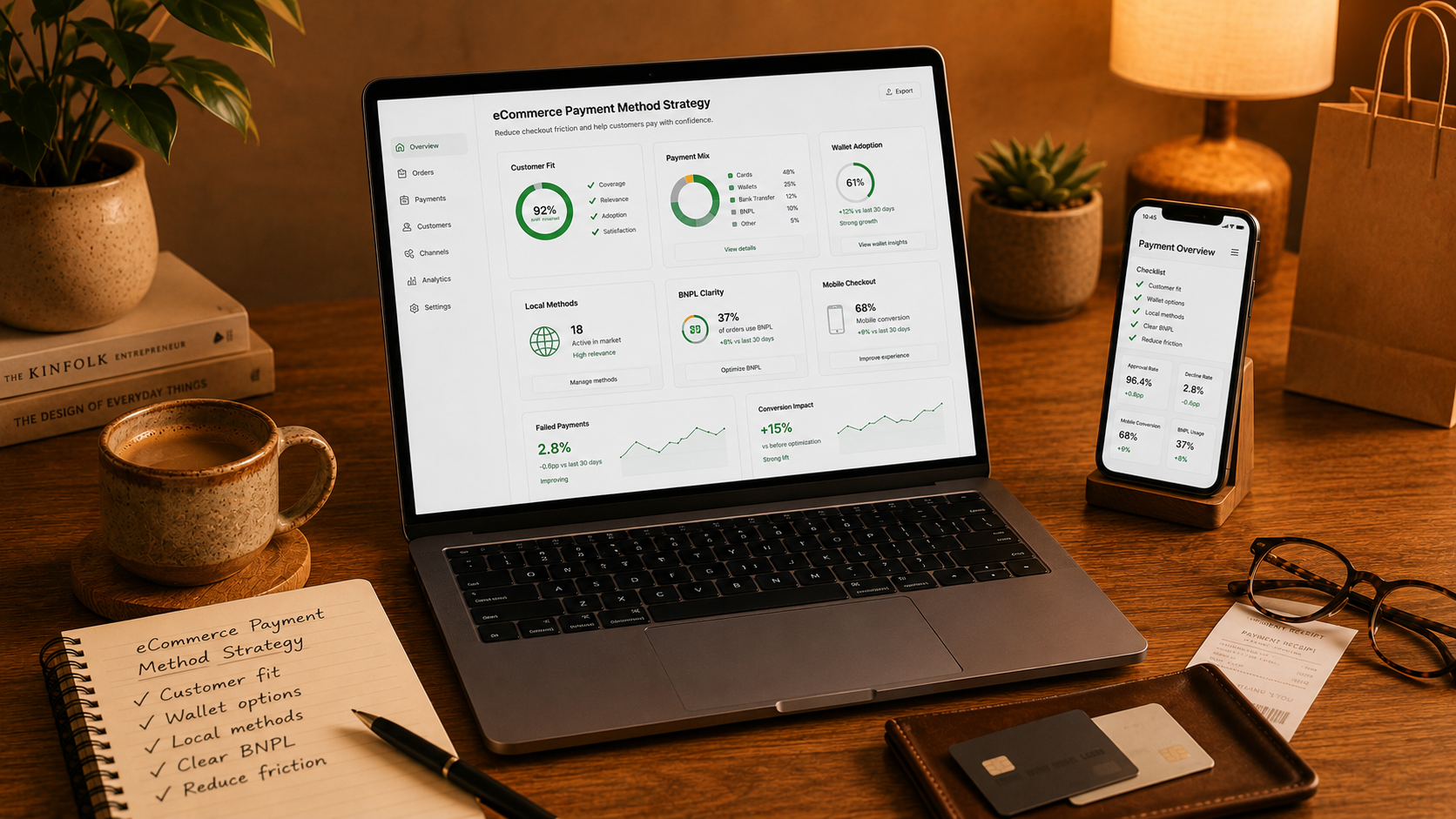

Payment is one of the last steps before revenue.
A customer may like the product, trust the store, and add items to the cart. But if the payment step feels limited, confusing, or unsafe, the order can still be lost.
Payment method strategy is not about adding every option possible.
It is about giving customers the payment methods they already trust.
The right payment setup can make checkout feel faster, safer, and more familiar.
Why Payment Methods Matter
Customers have different payment habits.
Some prefer cards. Some prefer PayPal. Some use Apple Pay or Google Pay. Some expect bank payments, Klarna, invoice payments, or local payment methods.
The best payment method depends on:
• Country
• Device
• Customer age
• Product price
• Order value
• Market expectations
• Trust level
• Repeat purchase behavior
A payment method that works well in one market may not be enough in another.
That is why payment strategy should be based on customers, not personal preference.
Common Payment Problems
Payment issues often appear at the worst moment.
The customer is ready to buy, but checkout creates doubt.
Common problems include:
• Too few payment options
• Too many confusing payment options
• Missing digital wallets
• Missing local payment methods
• Payment logos that look untrusted
• Slow payment loading
• Failed payment redirects
• Poor mobile payment UX
• Unclear BNPL terms
• Error messages that do not explain the problem
Each issue can reduce trust.
Together, they can stop the order.
Start With Customer Fit
Before adding payment methods, understand who your customers are.
Ask simple questions:
• Where are customers located?
• What devices do they use?
• What is the average order value?
• Are customers first-time or returning buyers?
• Do competitors offer local payment methods?
• Are customers buying high-value or low-value products?
• Do customers need financing options?
Payment strategy should match real buying behavior.
Do not add payment methods just because they are popular.
Add them because they reduce friction for your customers.
Digital Wallets Can Reduce Friction
Digital wallets can make checkout faster.
Customers do not need to type card numbers, billing details, and sometimes shipping details manually.
This is especially useful on mobile.
Mobile checkout is already more difficult because of smaller screens, more distractions, and slower typing.
Useful wallet options may include:
• Apple Pay
• Google Pay
• PayPal
• Shop Pay
• Other regional wallets
Wallets can help reduce form friction and make checkout feel more familiar.
But they must be tested properly.
A wallet button that loads slowly or fails during checkout can do more harm than good.
Local Payment Methods Matter
International eCommerce needs local thinking.
Customers in different countries trust different payment methods.
Some markets prefer bank transfers. Some prefer invoice payments. Some prefer local wallet options.
If your store sells in multiple markets, review payment localization.
Check:
• Local payment habits
• Currency support
• Tax rules
• Shipping rules
• Return expectations
• Fraud risk
• Payment provider coverage
Payment is not separate from the market.
It is part of the full buying experience.
Use BNPL Carefully
Buy now, pay later can be useful for some products.
It can help customers buy higher-value items by splitting payments into smaller parts.
But BNPL should be used carefully.
It should not feel aggressive, misleading, or hidden.
Good BNPL UX should include:
• Clear terms
• Clear payment schedule
• No confusing wording
• No pressure messaging
• Easy comparison with other payment methods
• Honest placement on product pages and checkout
BNPL can support conversion.
But customer trust is more important than forcing a bigger order.
Avoid Payment Clutter
More payment methods do not always mean better checkout.
Too many options can make the payment step feel messy.
Customers should not have to think too much.
A good payment section should be:
• Easy to scan
• Clearly labeled
• Ordered by relevance
• Mobile-friendly
• Fast to load
• Consistent with the brand
• Tested across browsers and devices
The most trusted options should be easy to find.
Less common options can still be available, but they should not overwhelm the page.
Make Payment Errors Clear
Payment errors happen.
Cards fail. Banks reject payments. Redirects break. Customers enter the wrong details.
The problem is not only the error.
The problem is when the store does not explain what happened.
Good error messages should explain:
• What went wrong
• What the customer can do next
• Whether they should try again
• Whether another payment method is available
• Whether support can help
Never make the customer restart checkout without a clear reason.
What Magento Stores Should Check
Magento and Adobe Commerce stores often use payment extensions, custom checkout flows, fraud tools, and third-party integrations.
That can create hidden payment friction.
Magento stores should check:
• Payment extension compatibility
• Checkout speed
• Error logs
• Failed order rate
• Mobile payment layout
• Wallet button placement
• Redirect behavior
• Currency rules
• Tax and shipping interaction
• Order creation after payment
Payment testing should not happen only once.
It should be part of regular store maintenance.
Final Thought
Payment method strategy is part of conversion.
Customers should reach the payment step and feel confident.
They should see a familiar option, understand the cost, trust the process, and complete the order without confusion.
The best payment setup feels invisible.
It gives customers the right way to pay at the right moment.
When payment feels easy, more customers finish the purchase.

Let’s create your success story next.
We are happy to answer any questions you may have in regard to our eCommerce services!