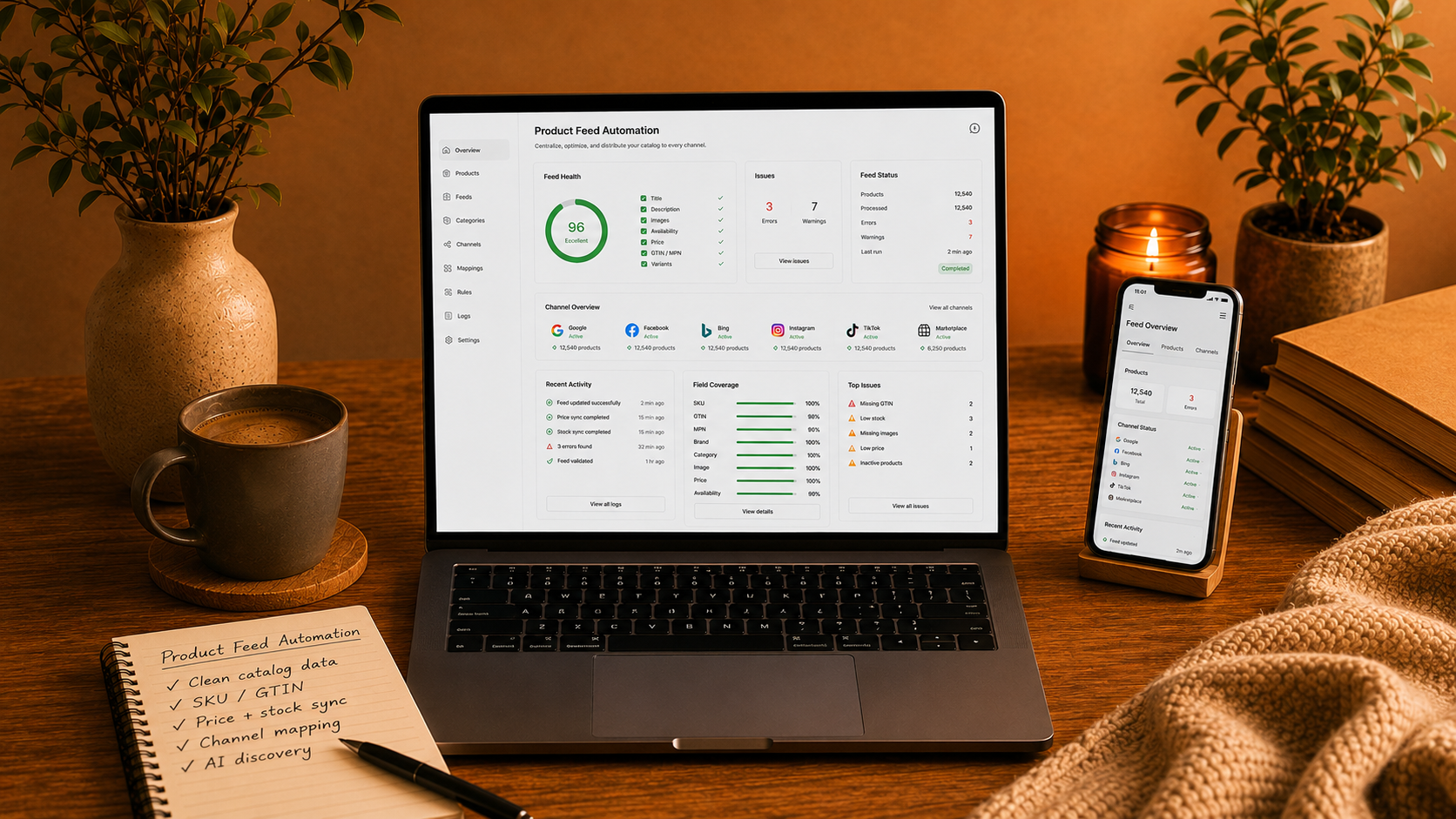

Product feeds are no longer just a marketing task.
They are part of the technical foundation of eCommerce growth.
Your product data may be used by Google, Meta, marketplaces, comparison engines, email platforms, affiliate tools, and AI shopping experiences.
If the feed is clean, channels can understand your products better.
If the feed is messy, visibility and trust can suffer before customers even reach your store.
Why Product Feeds Matter
A product feed tells external platforms what you sell.
It usually includes product information such as:
• Product title
• Description
• Price
• Image
• Availability
• Product URL
• Brand
• SKU
• GTIN
• Category
• Size
• Color
• Shipping information
This data is used to show products in ads, search results, marketplaces, shopping listings, and recommendations.
If the data is wrong, the customer journey starts with a problem.
Common Product Feed Problems
Product feed problems can quietly hurt performance.
Common issues include:
• Wrong prices
• Outdated stock status
• Missing images
• Broken product URLs
• Poor product titles
• Missing product identifiers
• Rejected products
• Wrong categories
• Missing variants
• Incorrect shipping data
• Duplicate products
• Inconsistent descriptions
These issues may not always be visible on the storefront.
But they can hurt ads, marketplaces, and product discovery.
Start With Clean Catalog Data
Feed quality starts inside the store.
If the Magento catalog is messy, the feed will be messy too.
Good catalog data should be:
• Complete
• Consistent
• Accurate
• Updated
• Structured
• Easy to map
• Easy to maintain
Product titles should be clear.
Descriptions should explain the product.
Attributes should be filled in correctly.
Images should be high quality and connected to the right product.
Clean internal data makes external feeds easier to manage.
Use Strong Product Identifiers
Product identifiers help channels understand exactly what the product is.
Important identifiers can include:
• SKU
• GTIN
• MPN
• Brand
• Variant ID
• Parent product ID
• Barcode
Missing or inconsistent identifiers can reduce product matching quality.
For marketplaces and shopping platforms, identifiers can be especially important.
They help platforms compare your product with the correct product group.
Map Attributes Carefully
Different channels need different data formats.
Google may require one structure.
A marketplace may require another.
A comparison engine may require different fields.
Common mapped attributes include:
• Color
• Size
• Material
• Gender
• Age group
• Condition
• Availability
• Shipping
• Tax
• Product type
• Category
Do not simply export everything without rules.
Automation should transform product data correctly for each channel.
Keep Prices And Stock Updated
Few things damage trust faster than wrong price or stock information.
If a customer clicks an ad and sees a different price on the website, trust drops.
If a product is shown as available but is out of stock, the customer becomes frustrated.
Price and stock sync should match the business model.
Stores with fast-moving inventory need more frequent updates.
Stores with promotions, multiple warehouses, or complex stock rules need stronger feed control.
Prepare For AI Shopping
AI shopping experiences depend on clean product information.
If product data is vague or incomplete, AI systems may struggle to understand when to recommend the product.
AI-ready product data should be:
• Clear
• Structured
• Detailed
• Consistent
• Accurate
• Easy to compare
This does not mean writing content only for machines.
It means making product information useful for both people and platforms.
Avoid Manual Spreadsheet Work
Many teams manage feed issues manually in spreadsheets.
That can work for small catalogs, but it becomes risky as the store grows.
Manual work can create:
• Duplicate fixes
• Outdated data
• Human errors
• Inconsistent rules
• Slow updates
• No clear source of truth
A better approach is to define the main source of truth and automate the transformation rules.
The store should not depend on endless manual corrections.
Monitor Feed Errors
Automation does not mean ignoring the feed.
Feeds need monitoring.
Check:
• Rejected products
• Missing attributes
• Image errors
• Price errors
• Stock mismatches
• Policy warnings
• Broken URLs
• Category problems
• Low-performing products
• Channel-specific issues
A feed can be technically active but still perform poorly.
Monitoring helps catch issues before they hurt revenue.
Magento Feed Considerations
Magento and Adobe Commerce stores often have complex catalogs.
This can include configurable products, custom attributes, customer groups, tier prices, special prices, multiple websites, multiple languages, and advanced inventory.
These details need to be handled properly.
Magento stores should check:
• Parent and child product logic
• Variant URLs
• Image mapping
• Custom attributes
• Price rules
• Special prices
• Stock status
• Category mapping
• Multi-store views
• Feed generation speed
• Feed cron jobs
If these rules are wrong, channels may receive incomplete or incorrect data.
Final Thought
Product feed automation is not just a technical detail.
It affects ads, marketplaces, search visibility, product discovery, and customer trust.
Clean feeds help platforms understand what you sell.
Clean data helps customers see the right product at the right price.
When product feeds are accurate and automated properly, every channel becomes easier to manage.
And the store has a better chance to turn product data into revenue.

Let’s create your success story next.
We are happy to answer any questions you may have in regard to our eCommerce services!