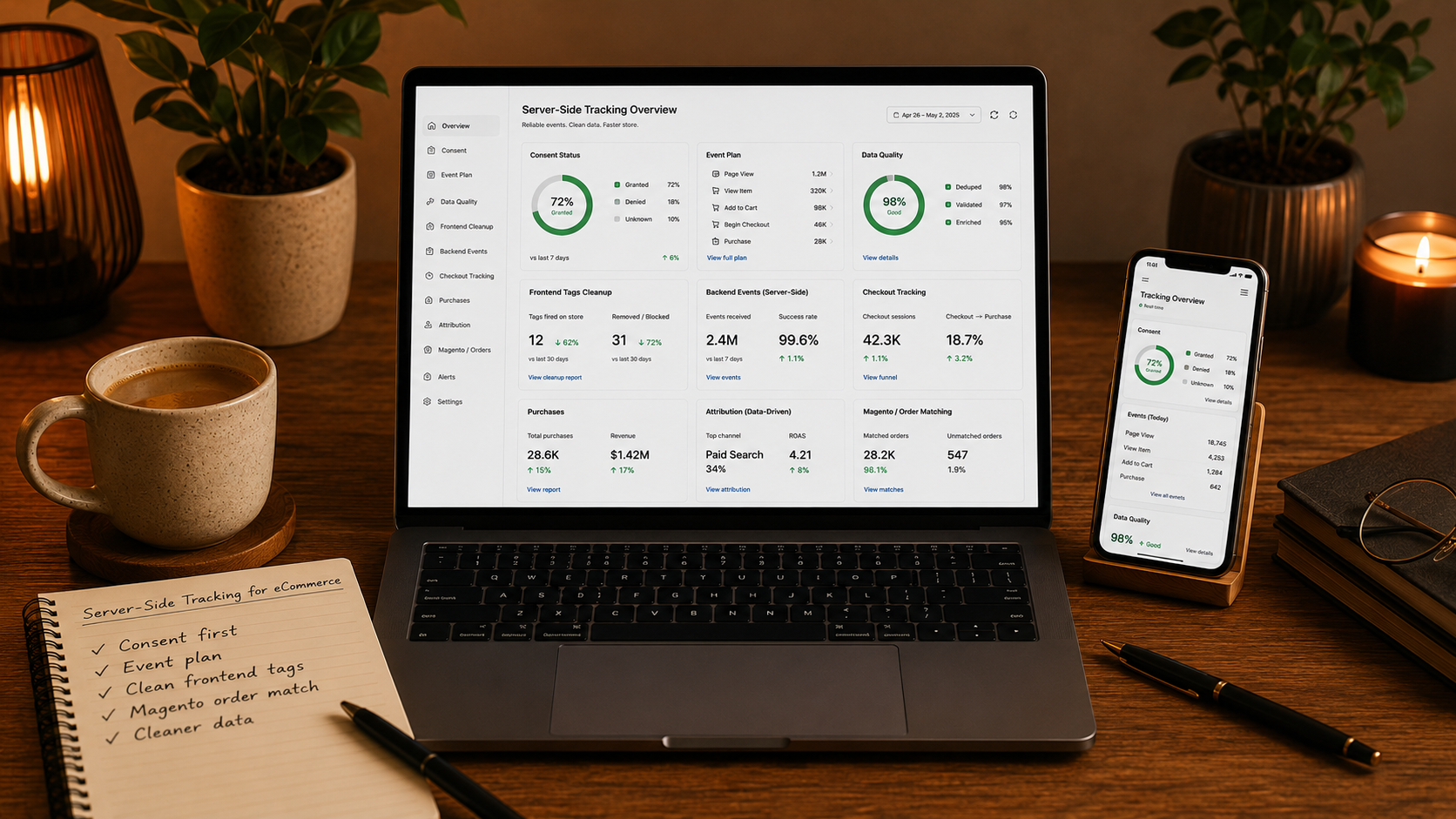

Good eCommerce decisions need clean data.
Stores use data to understand campaigns, products, checkout behavior, customer value, and revenue.
But tracking has become harder.
Ad blockers, browser restrictions, consent rules, cookie changes, and messy tag setups can all reduce data quality.
Server-side tracking can help, but it is not magic.
It needs a clear plan, proper consent handling, and clean event structure.
What Server-Side Tracking Means
Traditional tracking often sends data directly from the browser to analytics and advertising platforms.
Server-side tracking adds a controlled server layer between the website and the platforms that receive data.
This means the store can manage events more carefully before sending them to tools like analytics, ad platforms, or marketing systems.
The goal is more control.
Not more hidden tracking.
Why eCommerce Stores Consider It
eCommerce teams need reliable data.
Without clean data, it becomes harder to answer important questions.
For example:
• Which campaigns drive revenue?
• Which products convert best?
• Where do customers drop off?
• Which checkout step creates friction?
• Which channels bring repeat customers?
• Which promotions work?
• Which audiences are profitable?
If tracking is broken or duplicated, decisions become weaker.
Server-side tracking can improve data quality when it is implemented correctly.
Consent Comes First
Server-side tracking is not a shortcut around privacy.
Customer consent still matters.
If a customer does not give permission for certain tracking, that choice must be respected.
A good setup should connect consent signals to tracking behavior.
Check:
• Cookie banner setup
• Consent categories
• Consent mode
• Analytics permissions
• Advertising permissions
• Data sent to vendors
• Regional rules
• User opt-out behavior
Server-side tracking should make data governance stronger, not weaker.
Start With An Event Plan
Do not start by moving every tag to the server.
Start by deciding which events matter.
Important eCommerce events may include:
• Product view
• Category view
• Search
• Add to cart
• Remove from cart
• Begin checkout
• Shipping step
• Payment step
• Purchase
• Refund
• Lead event
• Account creation
• Newsletter signup
Each event should have a clear purpose.
If nobody uses the event, it may not need to exist.
Use Clear Event Names
Messy event names create messy reports.
For example, one team may use “add_to_cart” while another uses “AddToCart” or “cart_add”.
That makes reporting harder.
A clean tracking setup should define:
• Event names
• Event parameters
• Product IDs
• Currency
• Order values
• Tax
• Shipping
• Discounts
• Coupon codes
• Customer status
• Consent status
Consistency is more important than collecting everything.
Clean Up Browser Tags
Many stores have too many frontend scripts.
Over time, tags get added for ads, analytics, heatmaps, email tools, affiliates, chat widgets, reviews, and testing platforms.
Some are useful.
Some are outdated.
Too many scripts can create:
• Slower pages
• Duplicate events
• Tracking conflicts
• Harder debugging
• Poor mobile performance
• Security concerns
Before adding a server-side setup, clean the frontend.
Remove what is not needed.
Connect Magento Data Correctly
Magento and Adobe Commerce stores often have complex order data.
Tracking should reflect real business activity, not only button clicks.
Purchase events should match:
• Order ID
• Product IDs
• Product names
• Quantity
• Price
• Currency
• Tax
• Shipping
• Discounts
• Coupon code
• Transaction total
If analytics revenue does not match backend revenue, reporting becomes less trusted.
Magento tracking should connect frontend actions with backend truth.
Avoid Duplicate Purchases
Duplicate purchase events are one of the most common tracking problems.
They can happen when:
• Thank you page reloads
• Browser and server both send the same event
• Payment redirects trigger extra events
• Order confirmation scripts fire twice
• Retry logic is not controlled
Duplicate events make revenue reporting look better than reality.
That can lead to wrong marketing decisions.
A good setup should include deduplication rules.
Check Data Quality Regularly
Server-side tracking still needs maintenance.
It can break if the store changes, checkout changes, extensions update, or marketing tools change their requirements.
Regular checks should include:
• Event firing
• Event parameters
• Consent behavior
• Purchase accuracy
• Duplicate events
• Missing product IDs
• Currency accuracy
• Refund tracking
• Source attribution
• Vendor responses
Data quality is not a one-time task.
It needs ownership.
What Magento Stores Should Check
Magento and Adobe Commerce stores should review tracking carefully because their checkout and catalog logic can be complex.
Check:
• Data layer structure
• Product ID consistency
• Configurable product tracking
• Coupon tracking
• Customer group logic
• Tax and shipping values
• Payment redirects
• Order confirmation events
• Consent integration
• Extension conflicts
A small tracking mistake can create large reporting problems.
Final Thought
Server-side tracking can be a strong foundation for modern eCommerce measurement.
But it must be implemented with care.
It should not be used to hide tracking from customers.
It should be used to improve control, accuracy, consent handling, and data quality.
Good tracking helps teams make better decisions.
When data is clean, the business can see what is working and fix what is not.

Let’s create your success story next.
We are happy to answer any questions you may have in regard to our eCommerce services!